Elementor Simple Spam-blocker

Our Elementor Simple Spam-blocker works easy and without conflicts due to it’s simplicity. Just install, add the (custom)field_ID’s on which you want the plugin to check for trigger-words like “SEO”, “Marketing”, “Buy” or even characters of languages you don’t want to fill your inbox- or Elementor Form Submissions.
Installation and Settings

Installing our Elementor Simple Spam-blocker is easy. Follow the instructions as follows.

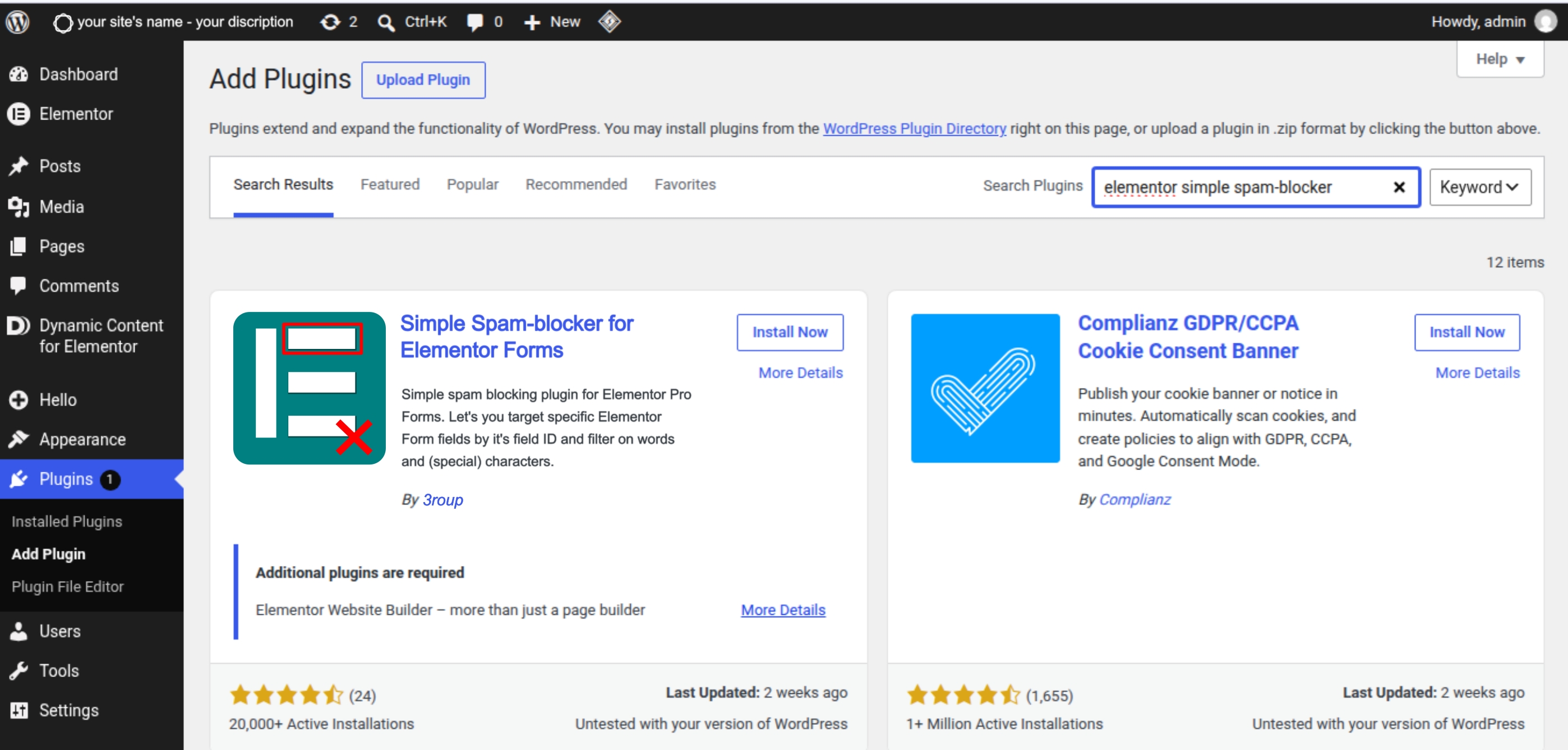
Step 1: Download and Install the Elementor Simple Spam-blocker plugin

Download the plugin here, ore through the WordPress Plugin Installer in the backend of your website.

Or

Through the WordPress Admin: